配置保证能开机启动
- 如果你服务器安装了最新的宝塔面板,你可以如下图所示的,安装supervisor,并配置
当然也可以不用宝塔安装的supervisor,主要是方便,如果自己喜欢研究可已自行安装supervisor,配置类似如下:
[program:ad]
directory=/opt/AdGuardHome/
command=/opt/AdGuardHome/AdGuardHome
autostart=true
autorestart=true
startsecs=3- 使用
AdGuardHome程序创建AdGuardHome.service,实现开机启动
进入到解压后的目录AdGuardHome,执行如下命令:
./AdGuardHome -s install另外扩展以下
sudo ./AdGuardHome --help


Usage:

./AdGuardHome [options]

Options:
-c, --config VALUE                 Path to the config file
-w, --work-dir VALUE               Path to the working directory
-h, --host VALUE                   Host address to bind HTTP server on
-p, --port VALUE                   Port to serve HTTP pages on
-s, --service VALUE                Service control action: status, install, uninstall, start, stop, restart
-l, --logfile VALUE                Path to log file. If empty: write to stdout; if syslog: write to system log
--pidfile VALUE                    Path to a file where PID is stored
--check-config                     Check configuration and exit
--no-check-update                  Dont check for updates
-v, --verbose                      Enable verbose output
--version                          Show the version and exit
--help                             Print this help
可已看出 -s 后面可以跟status, install, uninstall, start, stop, restart
其中 start restart stop status 可已分别使用
安装
无论是用哪种方式配置开机启动,我们第一次使用都需要安装配置下,下面摘取执行./AdGuardHome -s install后的输出信息说明下
2020/05/16 05:51:37 [info] Service control action: install
2020/05/16 05:51:37 [info] Service has been started
2020/05/16 05:51:37 [info] Almost ready!
AdGuard Home is successfully installed and will automatically start on boot.
There are a few more things that must be configured before you can use it.
Click on the link below and follow the Installation Wizard steps to finish setup.
2020/05/16 05:51:37 [info] AdGuard Home is available on the following addresses:
2020/05/16 05:51:37 [info] Go to http://127.0.0.1:3000
2020/05/16 05:51:37 [info] Go to http://192.168.6.128:3000
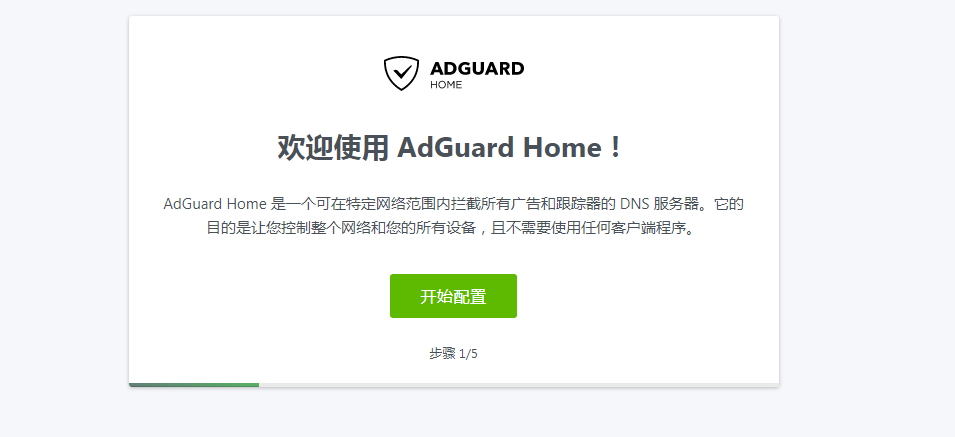
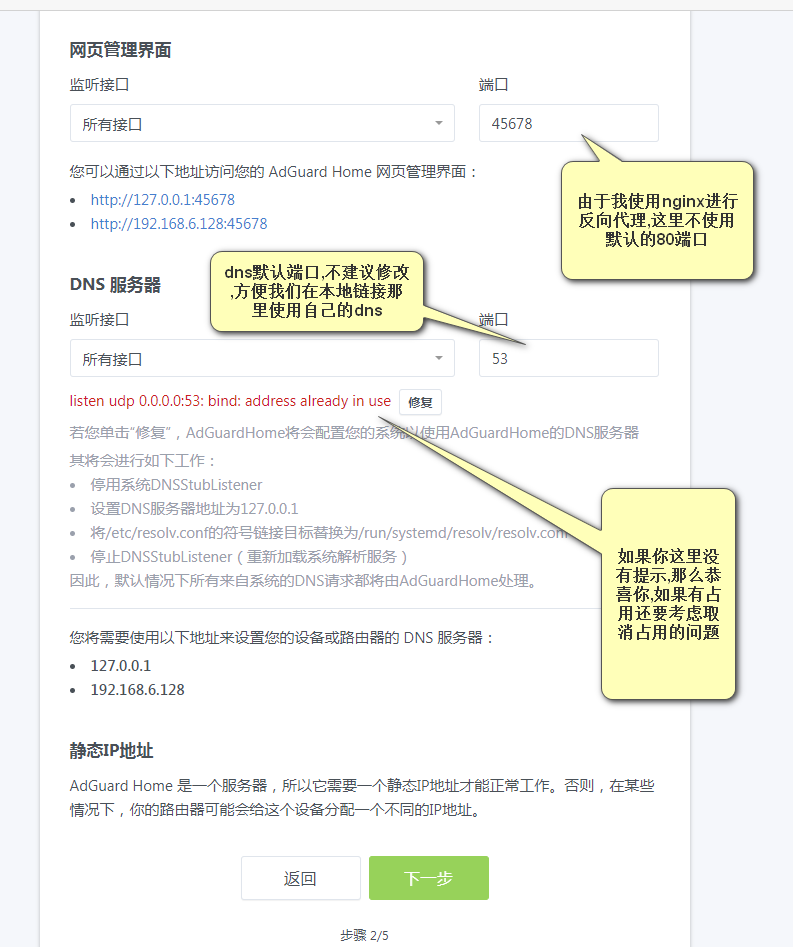
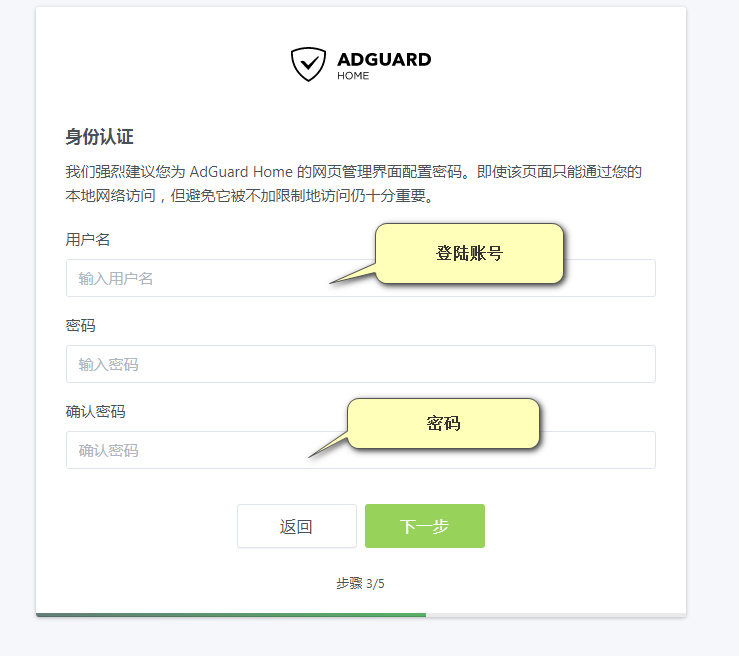
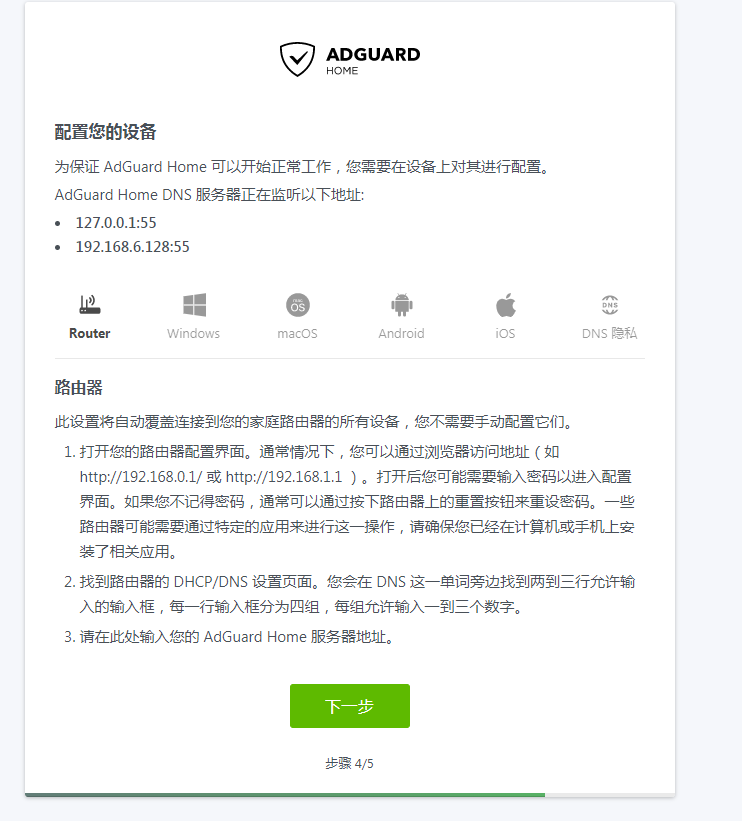
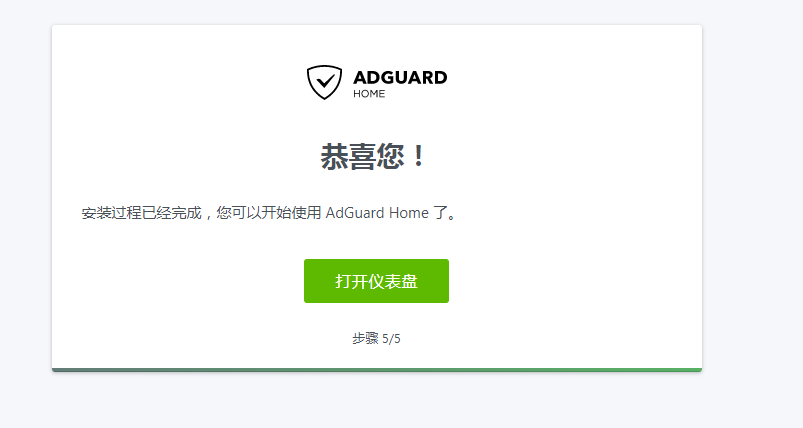
2020/05/16 05:51:37 [info] Action install has been done successfully on linux-systemd它的意思是我们配置启动安装成功了,要访问http://192.168.6.128:3000去实现安装完毕,安装步骤如下图:
登陆使用
如上,我们配置了adguardhome的浏览地址端口为45678,如果你实在服务器上配置的话,并且你没有开启45678端口,你在最后一步单击打开仪表盘的时候是等待状态的,也就没发进入管理
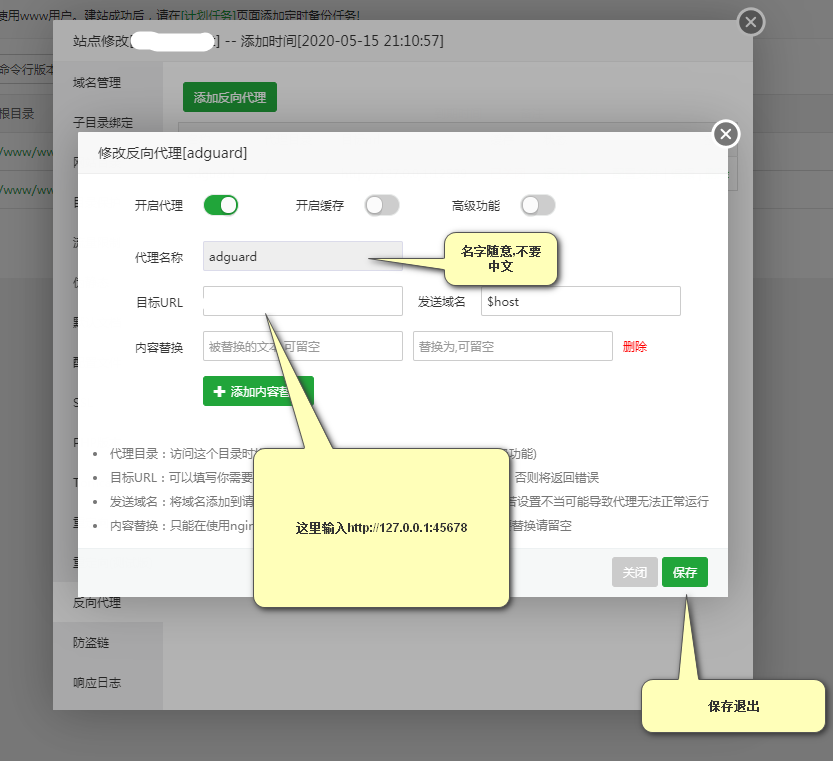
我这里演示以下宝塔使用nginx做反向代理的配置方法,不使用宝塔配置起来也很方便,这里为了简便不做过多讲解
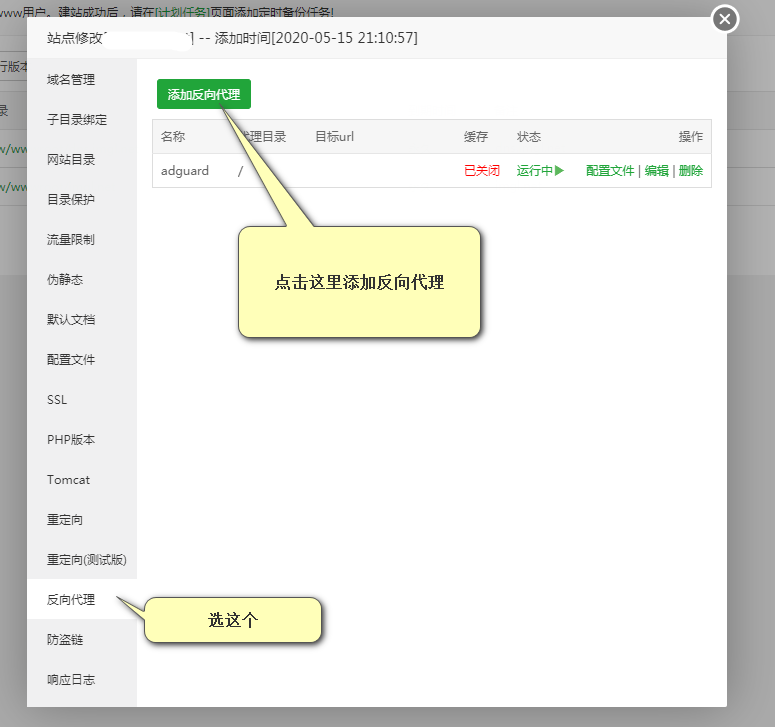
进入宝塔配置如下,创建一个新的站点,比如ad.imgl.net,然后单击设置
如下图:
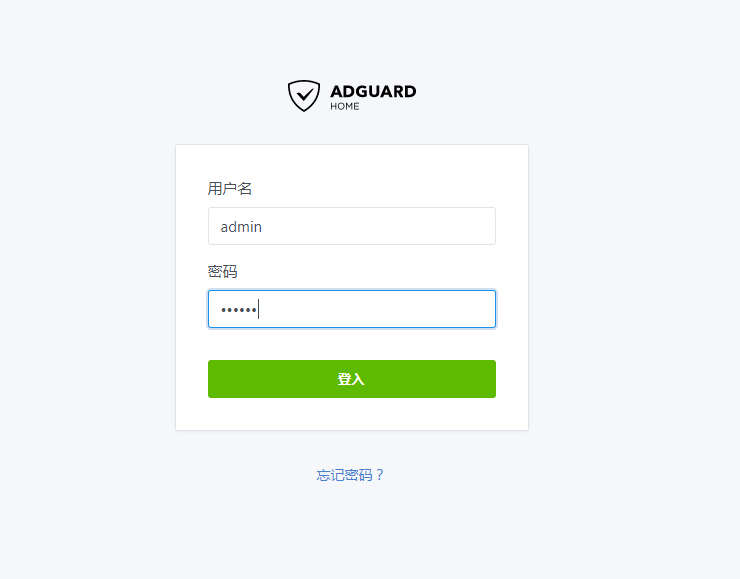
下面要登陆了
自用配置建议
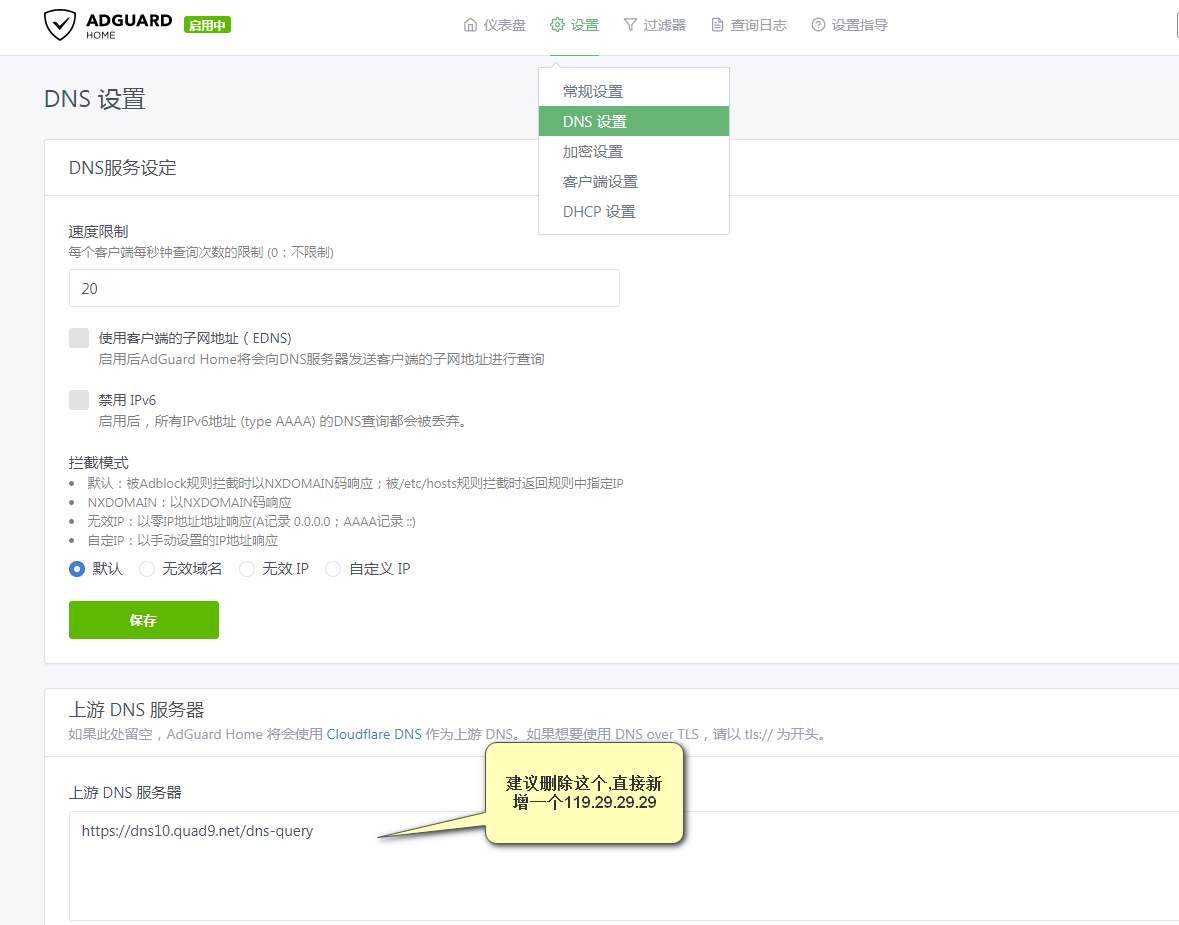
到此配置和安装就完成了,其他共能请自行研究.